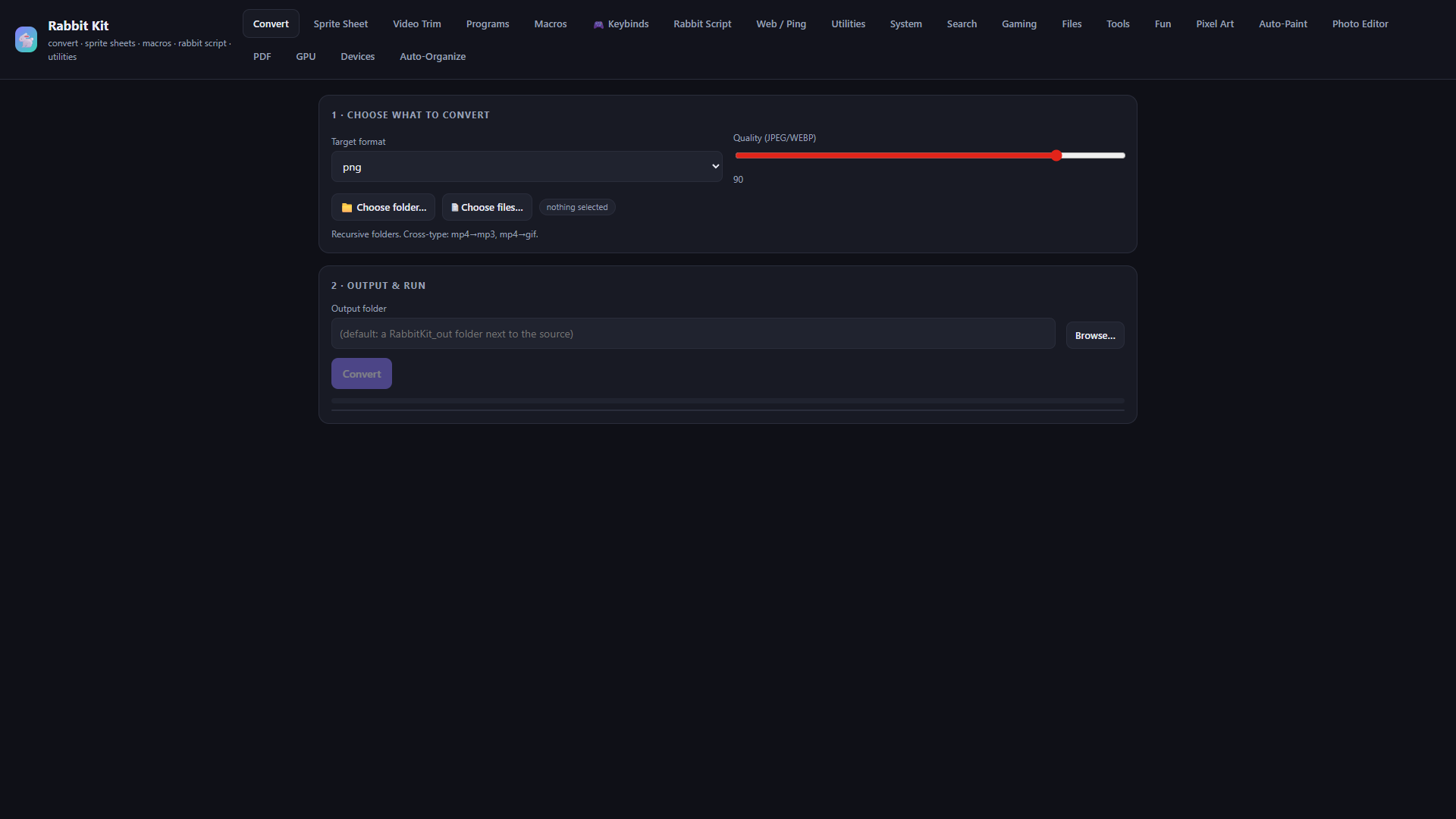
Convert anything
Bulk convert images, video, and audio. Recursive folders. Cross-type paths like mp4 to mp3 or gif.
Lightweight Windows workspace
Capture, create, search, and move work between your PCs. Save Cloud notes and links, send complete folders at LAN speed, and keep every optional tool out of the way until you need it.
Windows 10/11 Public builds return after development.
New in Rabbit Kit
Save a link or note on one laptop and see it on every paired Rabbit Kit within seconds. Queue individual files or complete folders to another PC on the same Wi-Fi, with folder structure and SHA-256 verification preserved.
Everything, organised
Choose a category, then select a feature. Every link scrolls to its full description below.
Bulk convert images, video, and audio. Recursive folders. Cross-type paths like mp4 to mp3 or gif.
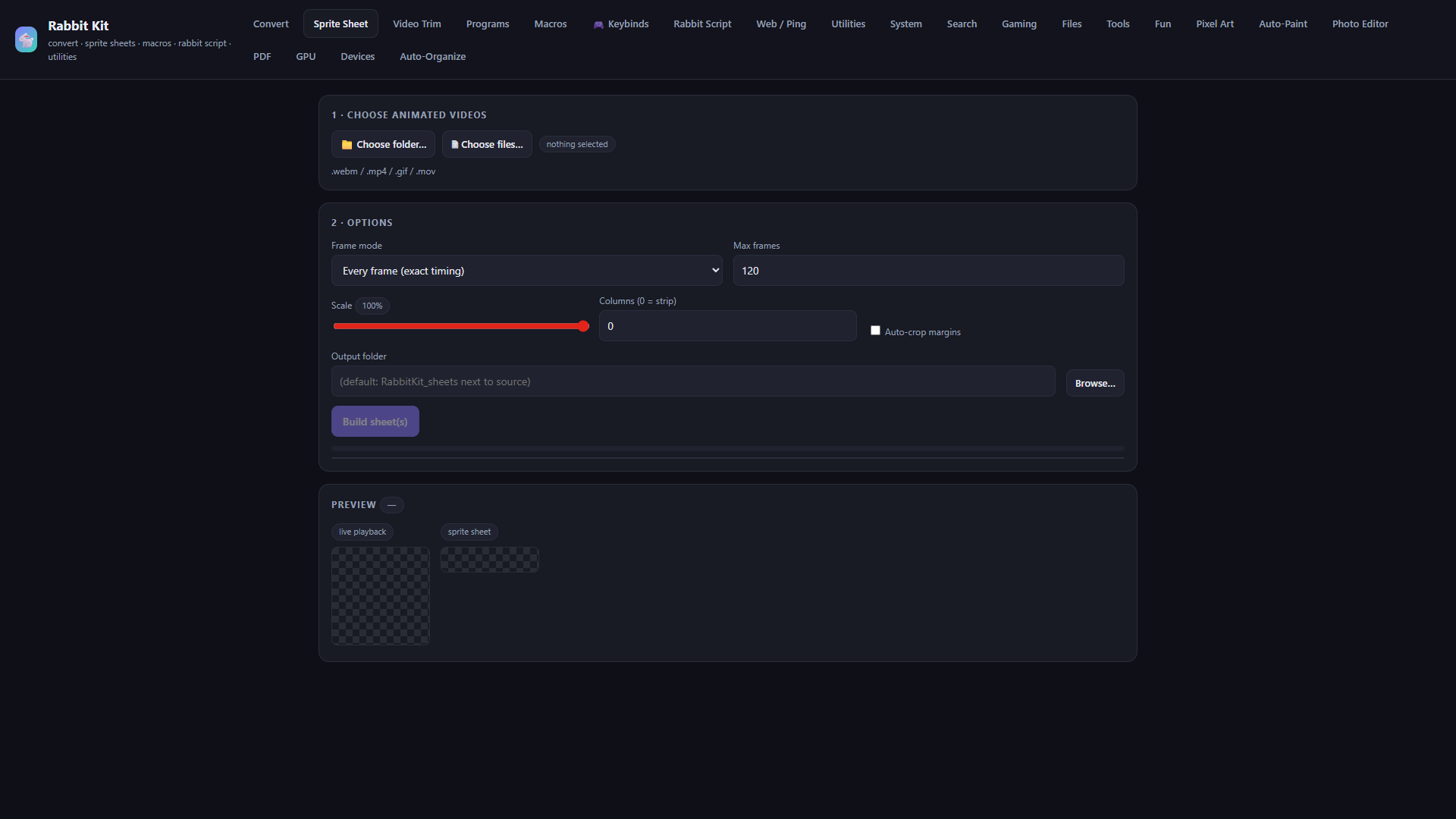
Turn webm, mp4, gif, or mov into a horizontal strip and a ready loader script. ffmpeg under the hood.
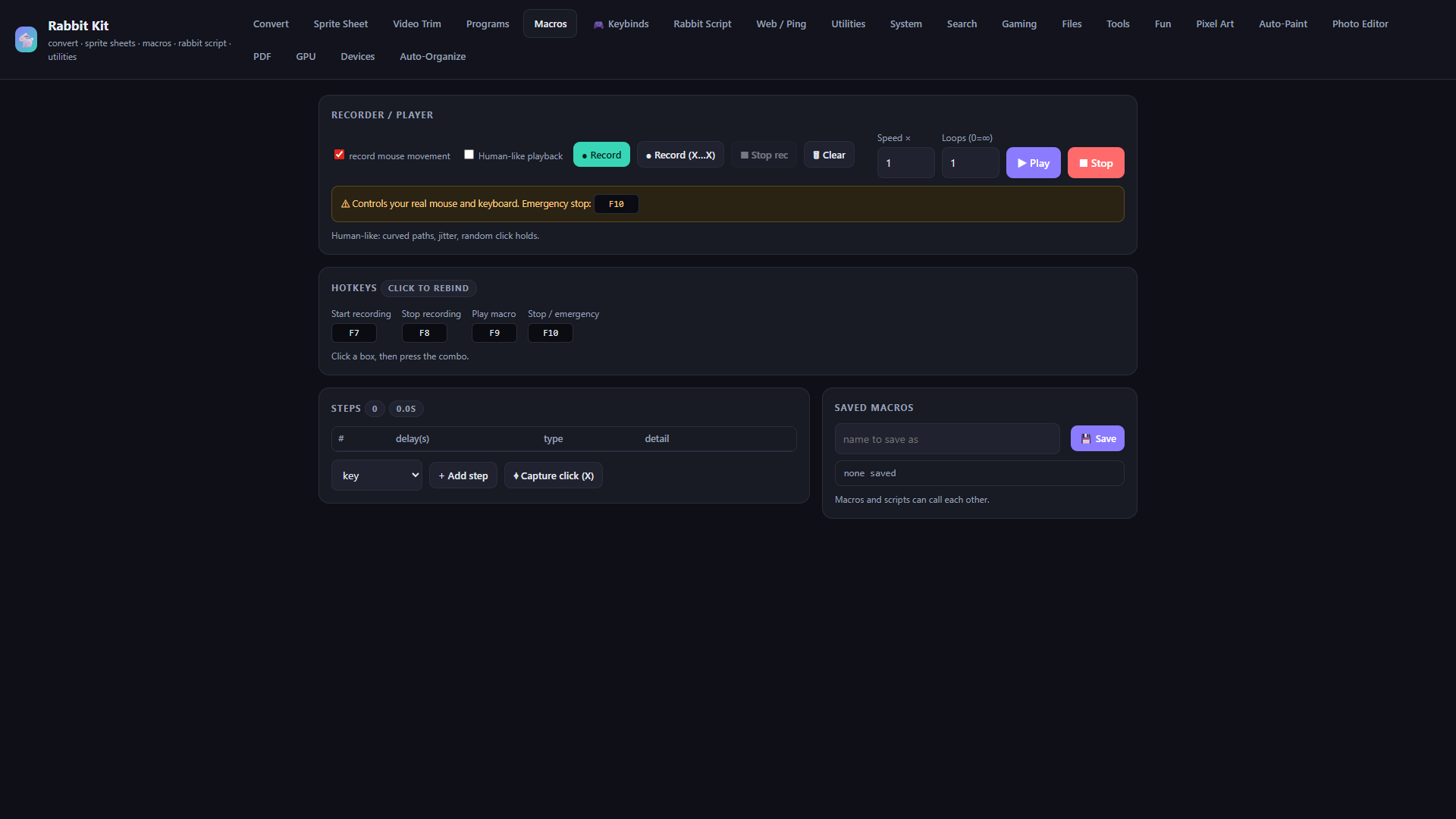
Record mouse and keyboard, edit steps, loop, and playback with optional human-like motion. Global hotkeys. F10 always stops.
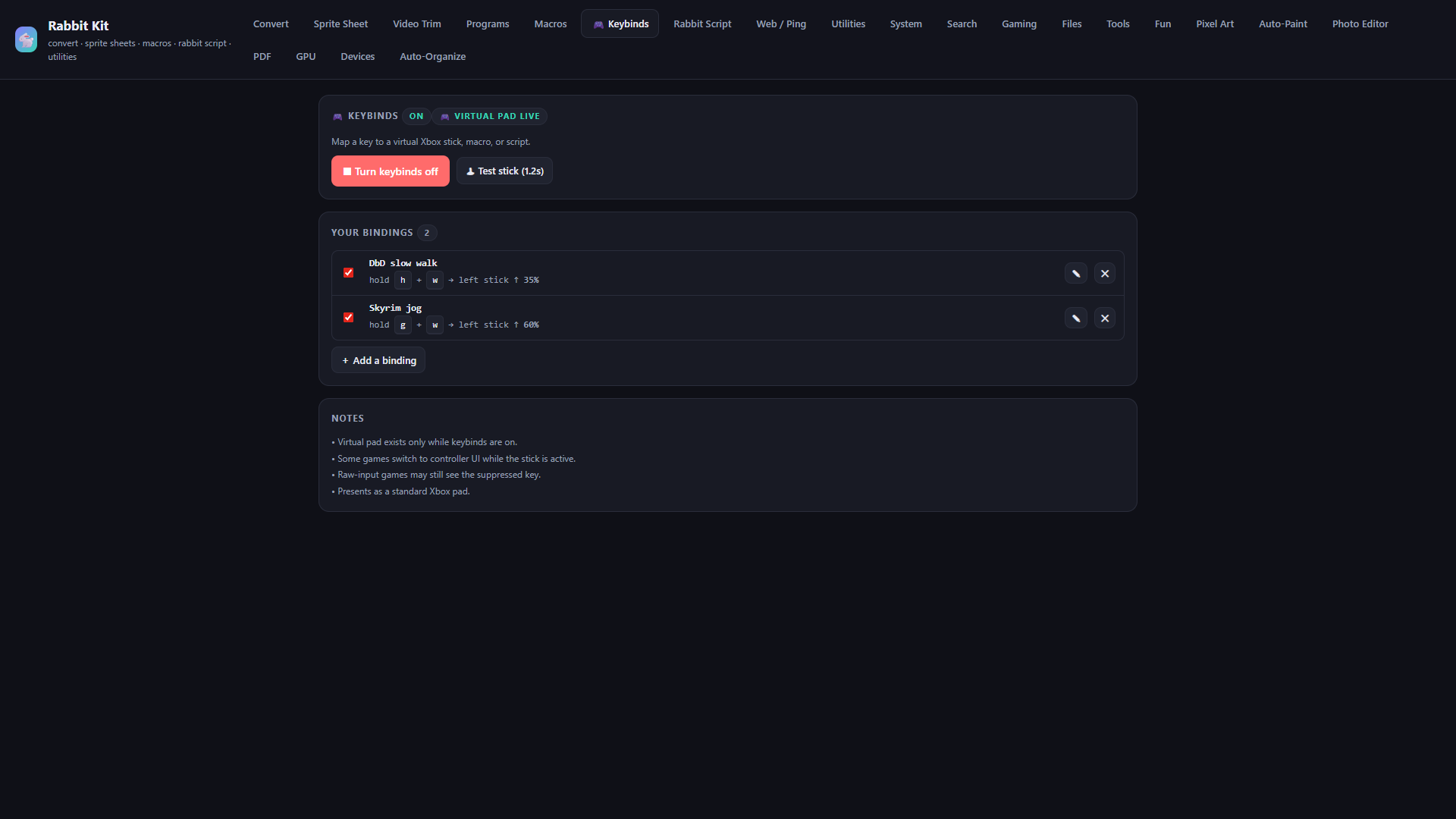
Keybinds push a virtual Xbox stick to the deflection you set. Or fire a macro or Rabbit Script from a held key.
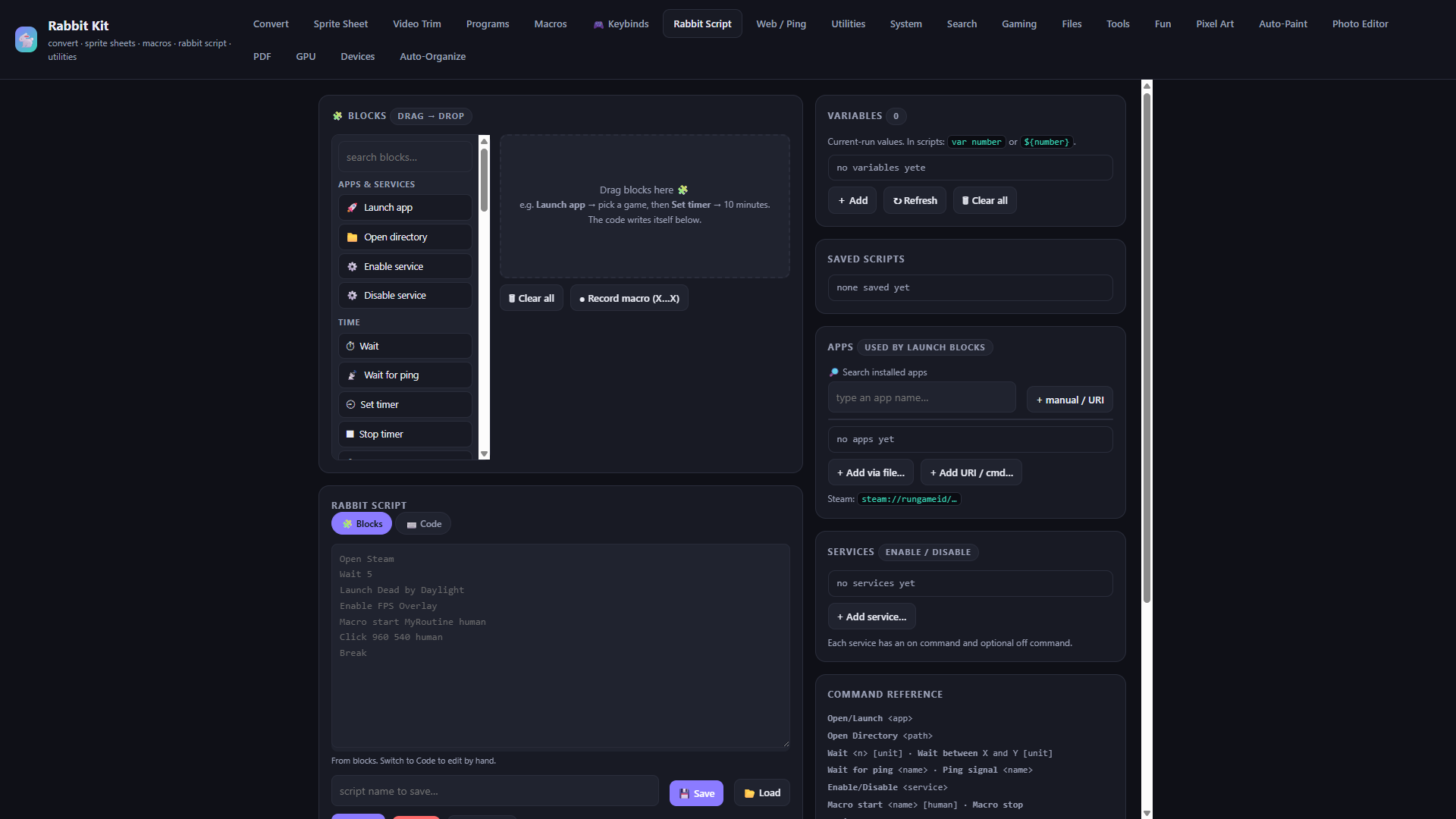
Drag blocks or write code. Launch apps, wait, ping, click, call macros and scripts, build overlays. Variables with var name or ${name}.
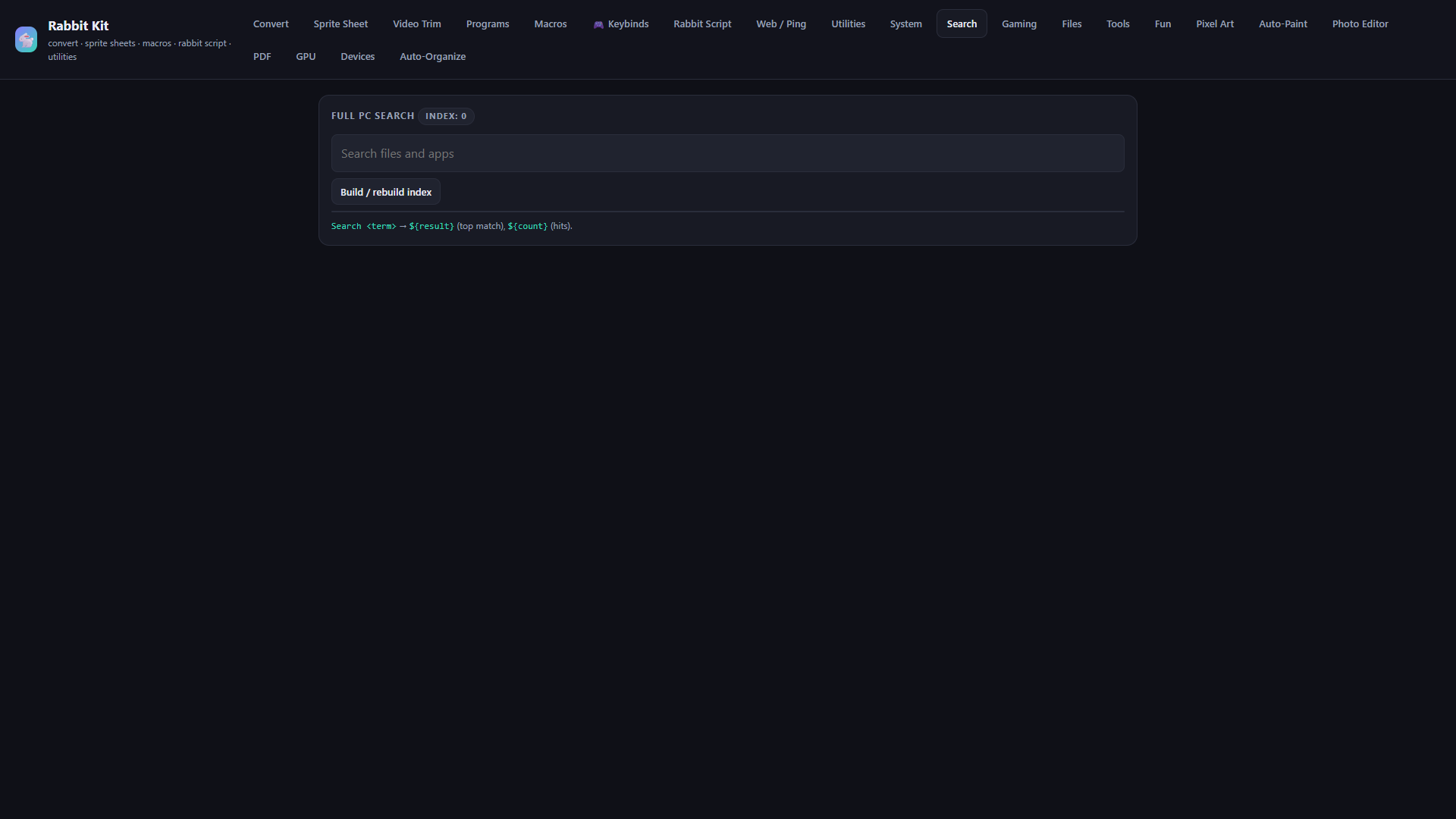
Build a local index, find files and apps fast, and pull results into scripts as ${result} and ${count}.
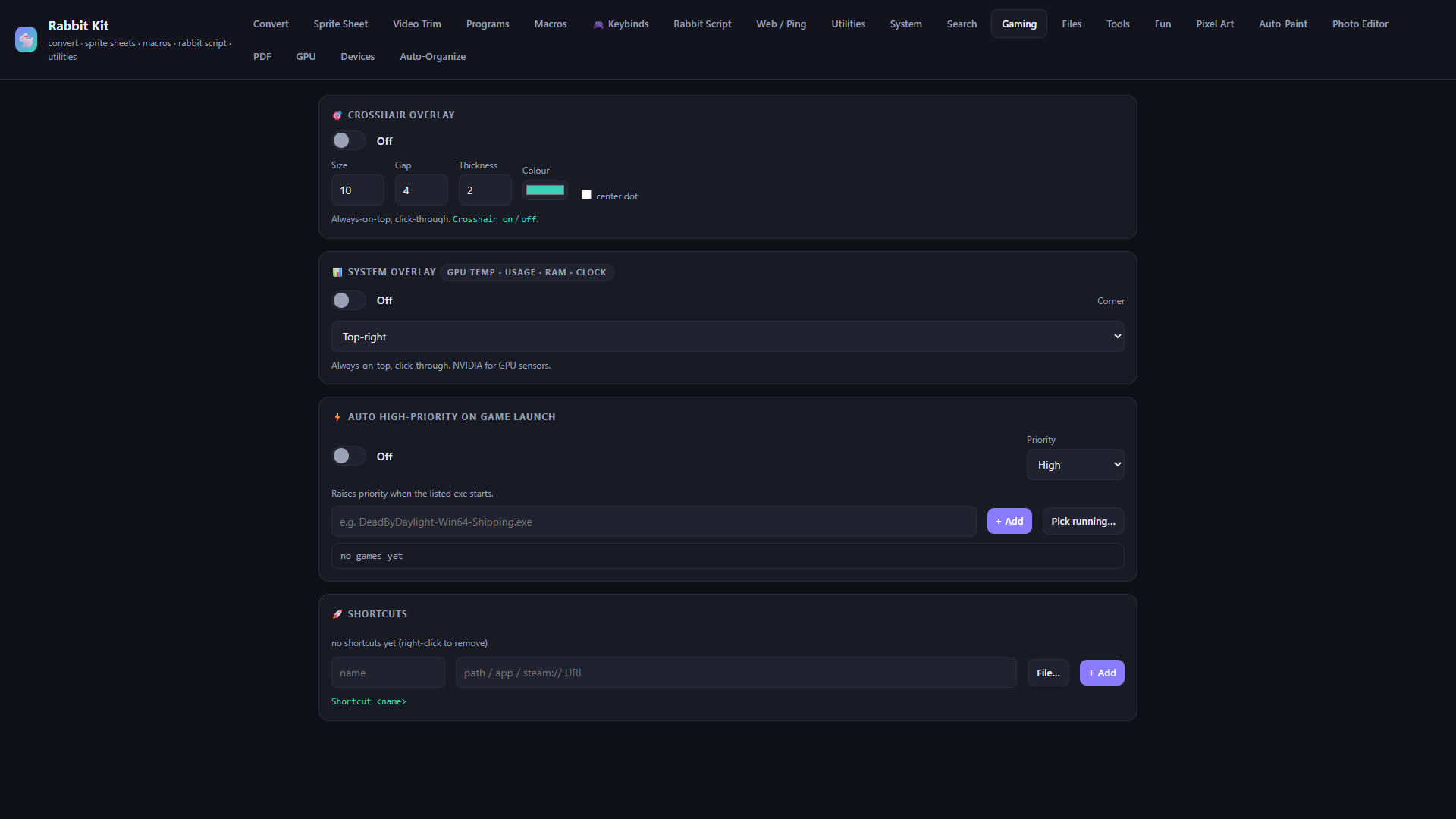
Crosshair, GPU HUD, auto high-priority on launch, and game shortcuts in one place.
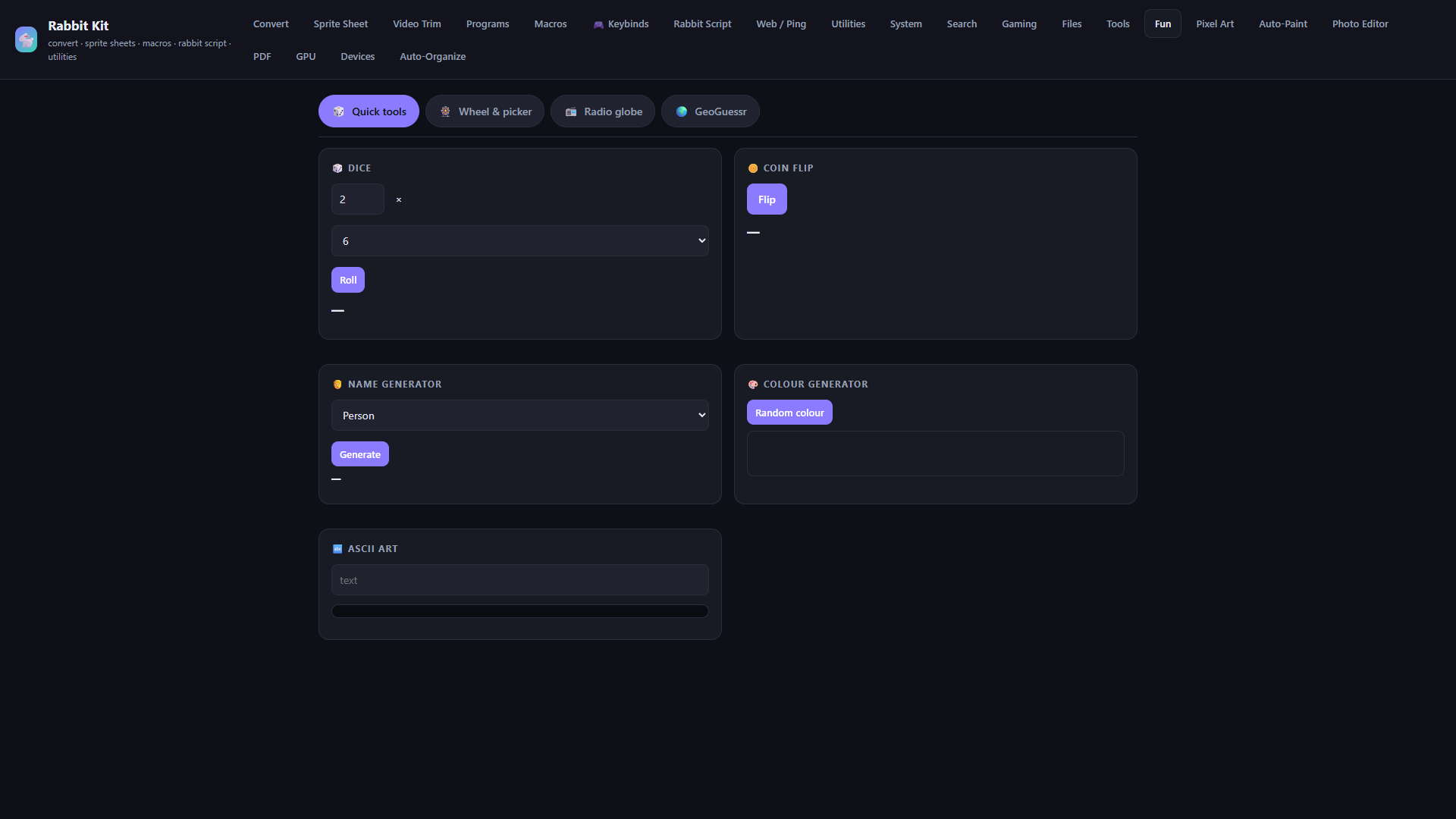
Dice, wheels, radio globe, GeoGuessr, and more when you want a break from tooling.
Send individual files or complete folders directly between paired PCs over your own network, preserving structure and verifying every file.
Use notes, files, image tools, app management, device diagnostics, Vibration Lab, torch and Morse locally. Remote control stays optional.
Android project status →Control the complete PC from Android with HD streaming, keyboard input, clipboard, Explorer, fullscreen games and a custom touch gamepad.
Press Print Screen for a frozen ShareX-style region and window selector, then copy, save or open the result immediately.
Record screens, build lightweight game clips and prepare footage for editing or later cloud upload without autoplay-heavy interfaces.
Move text between your phone and PC, type phone text into Windows and pause reads automatically around private fields.
Crop, resize, rotate, filter and export images without opening a heavyweight creative suite.
Draw grid-aligned pixel art with focused controls and export clean game-ready images.
Combine, split and prepare PDFs alongside the rest of your files.
Turn image colour and position data into controlled painting actions for compatible desktop canvases.
Save reusable Rabbit Kit configurations for different games, work sessions and devices.
Inspect installed applications, locate their folders, sort and filter them, or remove the detected application folder with guarded system-path protection.
Search deleted NTFS records or carve unallocated space for recoverable images, with source-volume protection and honest SSD/TRIM limits.
Browse working files, preview images, edit dependable local notes and move selected files to your Android device.
Sort desktop and working folders into editable categories while keeping the rules visible and reversible.
View graphics information, run focused checks and surface useful performance details without decorative dashboards.
Manage Android mirroring and control, Bluetooth and audio shortcuts, microphones, cameras and connected-device diagnostics.
Keep ordinary Windows audio controls separate from clearly labelled experimental diagnostics and developer-only device research.
Text tools, generators, calculations, timers and compact helpers for jobs that should take seconds.
Check addresses and connectivity with clear results instead of a wall of networking jargon.
Prepare and hand off messages and attachments through the mail workflow you already use.
Optional online identity and community tools remain hidden until you choose to enable them.
Add specialist capabilities without making the default Rabbit Kit installation feel heavy.
Choose exactly which feature categories appear, manage keybinds and updates, and keep the interface focused on your own workflow.
Pair your machines once, then send files and complete folders straight over your network. There is no upload wait or artificial size cap, and every file is checked on arrival.
When development is ready for public builds, the planned installer will set up Rabbit Kit and its shortcuts. Downloads are paused for now.
Public Windows downloads are temporarily paused while the app is being worked on. No installer is available from this site right now.
Downloads paused