RuneScape · for plugin makers
Retro UI Kit
The pixel-art window kit our plugins use, for plugin makers.
It draws windows, buttons, lists and the bulb strip with plain rectangles and text on a 3-unit pixel grid. No image files, no permissions, and it sends nothing anywhere.
TRY THE WINDOW
This one is drawn in HTML so you can see how a kit window behaves. Drag it by the gold bar. - shrinks it to the bar, [] makes it bigger or smaller, X closes it. Then bring it back with the button in the corner, like the settings cog in game.
3 NEAR YOUNEAREST 4 TILES
- Zanaris choir
- Seren spirit
- Lesser demon
- Tormented demon
- Penguin
Alt + right-click any NPC, or use SEARCH, to add one.
What it gives you
RetroUI.ProgramWindow: the window above. A gold bar with-[]X, two sizes, and you drag it by the bar.RetroUI.Window: the older cabinet-style window, which can take the same bar withprogram = true.RetroUI.ShowWindowButton: the button for your settings cog that brings a closed window back.RetroUI.Painter: rectangles, text and sprites on the pixel grid.RetroUI.COLOURSandRetroUI.SPRITES: the palette and a few small sprites (a bottle, a star, a note, a coin, a heart).
Windows made with it
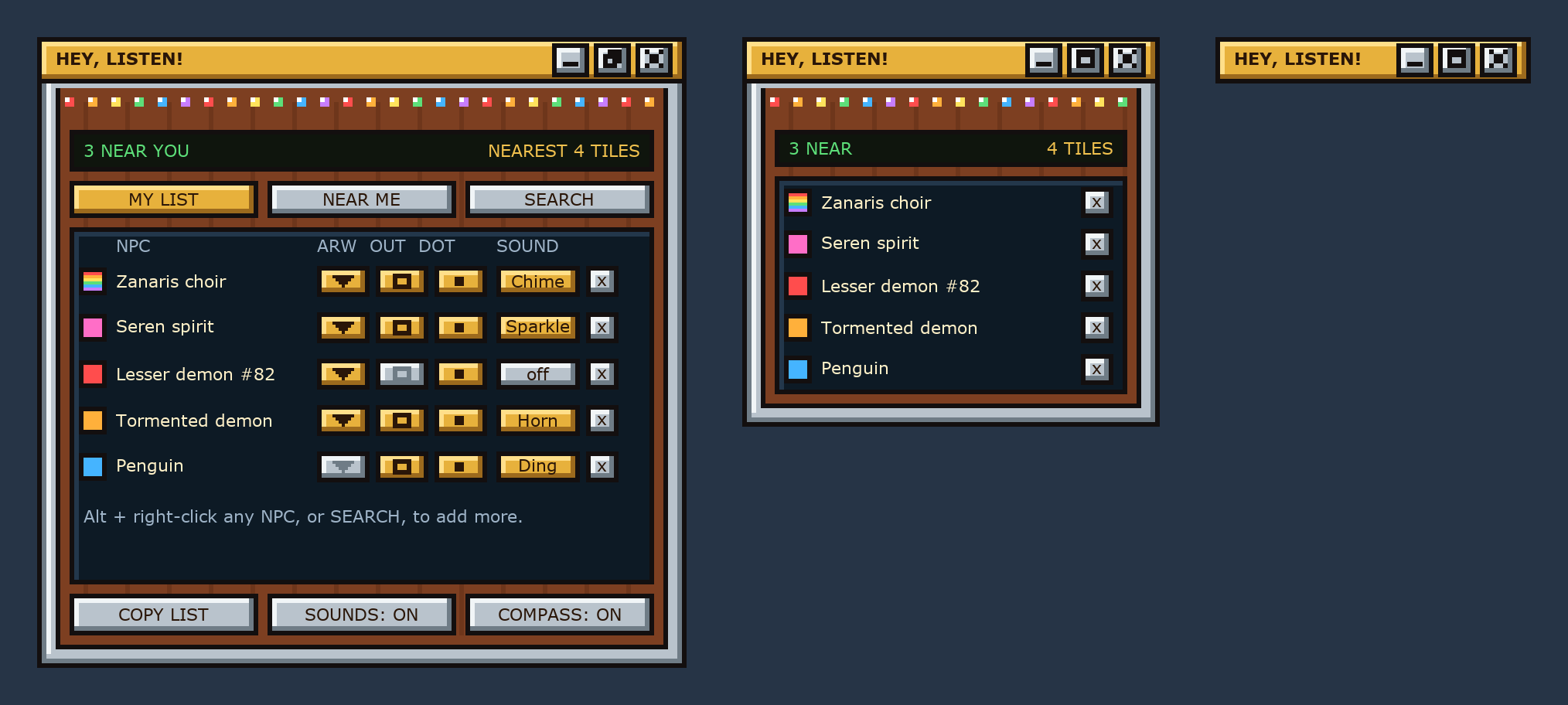
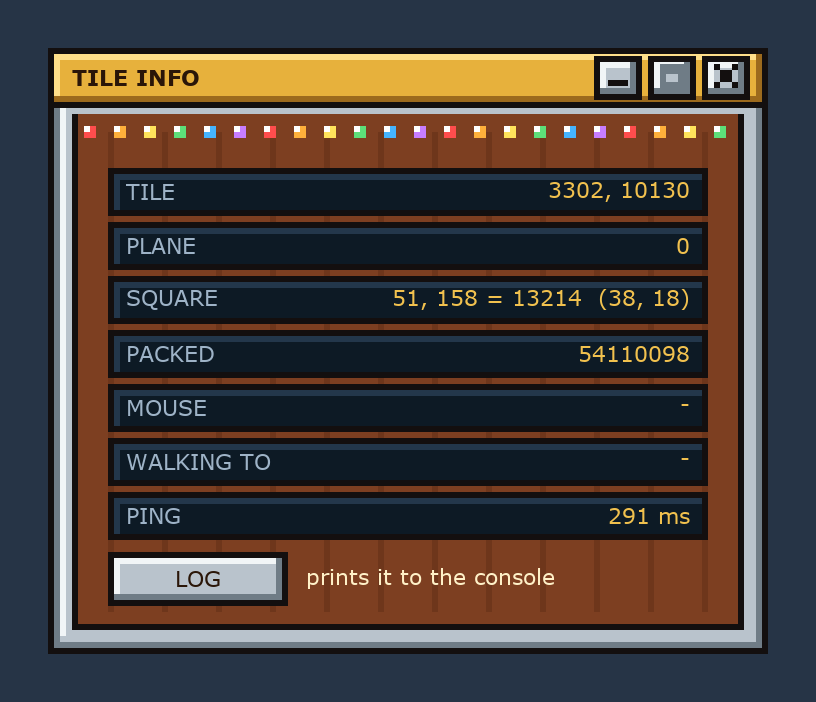
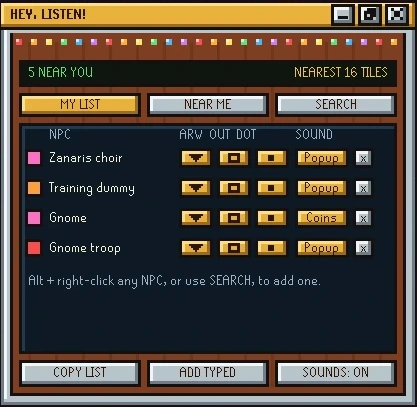
Use it
Two ways:
- Install the plugin. Unzip it into C:\ProgramData\Jagex\RuneScape-BETA\dev_plugins, then in the console type
prfandpon RetroUI. - Or carry it in your own plugin. Copy
retro_ui.luafrom the RetroUI folder next to yourmain.lua.
Unofficial, not affiliated with Jagex. RuneScape is a trademark of Jagex Ltd.