RuneScape · plugin
Hey, Listen!
3D arrows to track any NPC in the game.
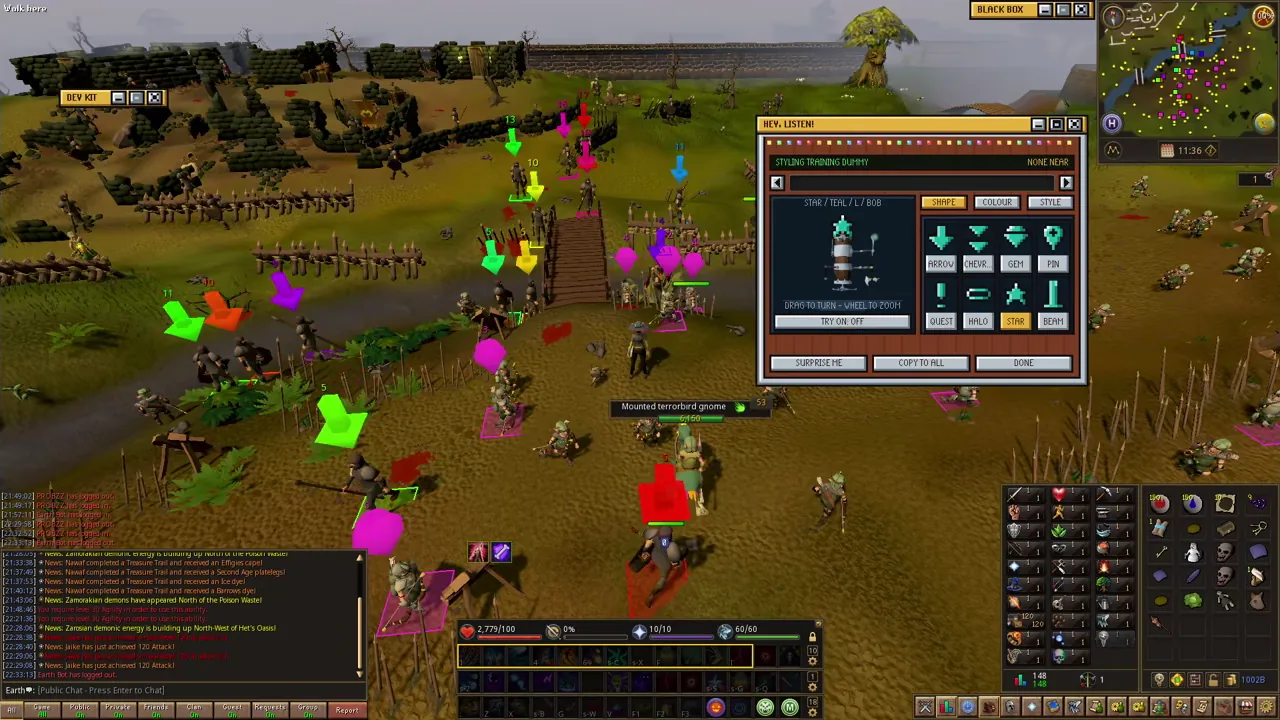
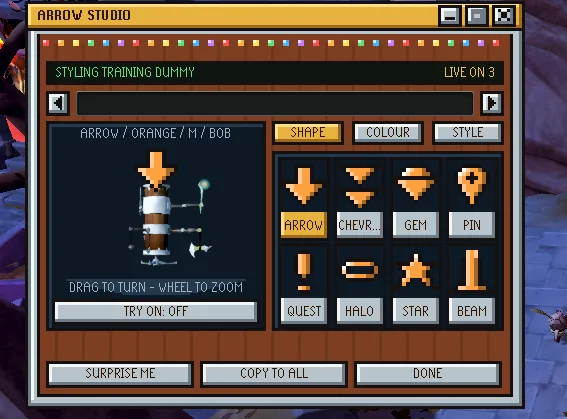
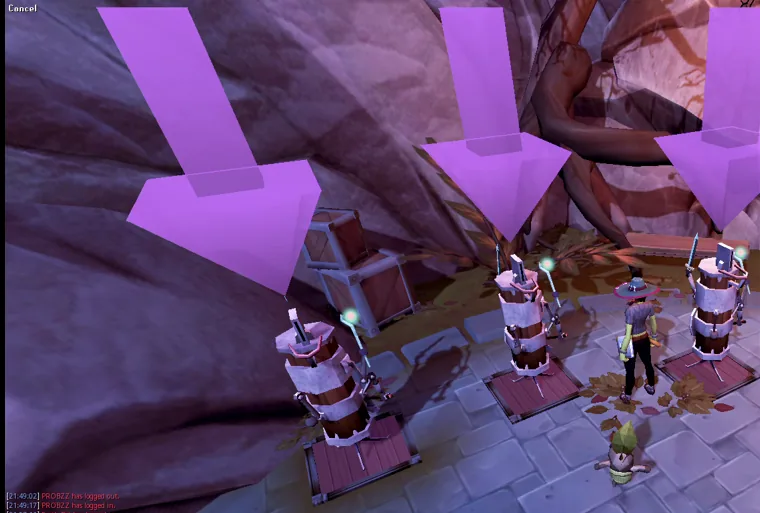
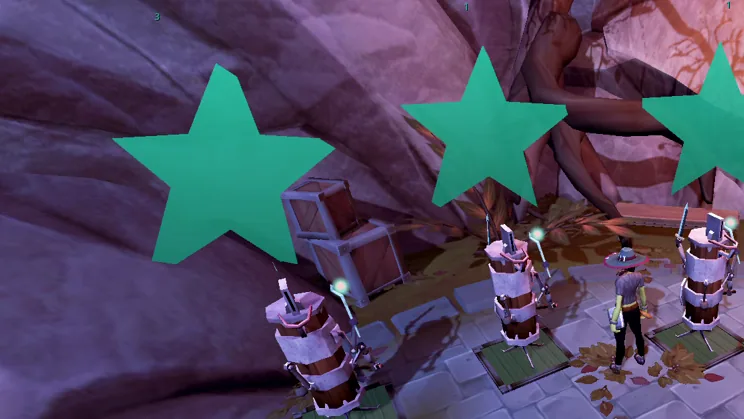
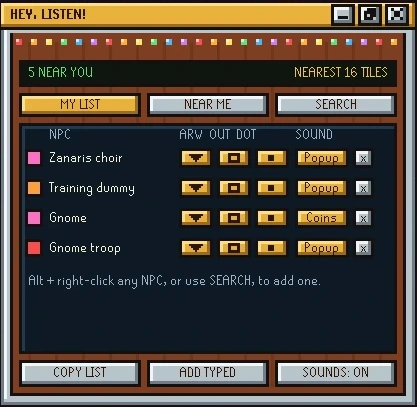
Alt + right-click any NPC: Point at NPC to track it, or Style arrow to pick its marker. 8 shapes, 16 colours, four sizes, bob, spin or pulse, even seen through walls, tried on the NPC's own 3D model. The window lists what's near you and searches every NPC.
Watch it
In the game
Install
- Unzip it into C:\ProgramData\Jagex\RuneScape-BETA\dev_plugins
- In game, open the console and type
prf, thenpon hey-listen - Alt + right-click an NPC and pick Point at NPC or Style arrow, or open the window and use SEARCH
NPC SEARCH
The same name list the plugin searches: 8,938 names and 28,285 ids, from the game's NPC data (21 Oct 2026). Type a name, or an id. Click a row to copy its ids.
Unofficial, not affiliated with Jagex. RuneScape is a trademark of Jagex Ltd.